
The all-in-one solution for media playback
VLC Media Player is a free and open source cross-platform multimedia player and framework that delivers dependable performance across multiple devices. Designed to handle nearly any type of content, it supports discs, webcams, and streams without requiring additional codecs or plugins. With compatibility across PC and mobile devices, it ensures seamless media playback no matter which platform you use.
Top Recommended Alternative
The power behind universal media compatibility
At its core, VLC offers fast performance powered by hardware decoding available on most platforms. It can leverage 0-copy on the GPU for efficiency and automatically fall back on software decoding when required. The player supports an extensive list of video formats such as MPEG-1/2, DivX, and XviD, alongside a wide range of audio formats including MP3, AAC, and FLAC.
Streaming and format support without limits
Beyond standard playback, VLC is equipped to manage a wide array of input media. It supports UDP and RTP unicast and multicast, HTTP, FTP, as well as VCD, DVB, and video acquisition. The input format support is equally robust, ranging from MPEG, AVI, and MKV to Real, FLV, and MIDI.
Subtitle support for a global audience
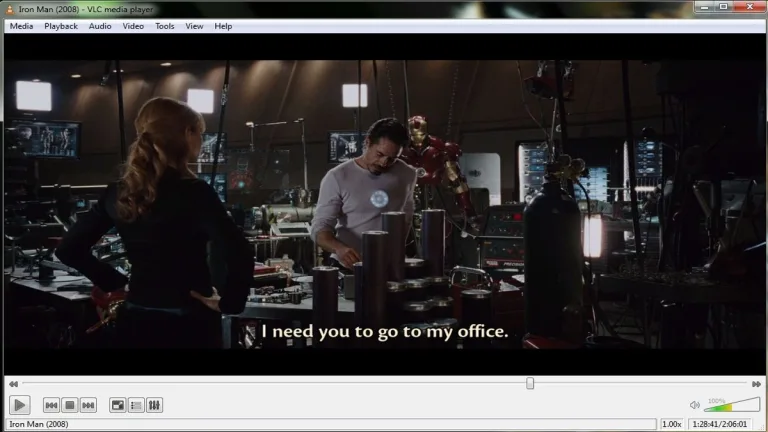
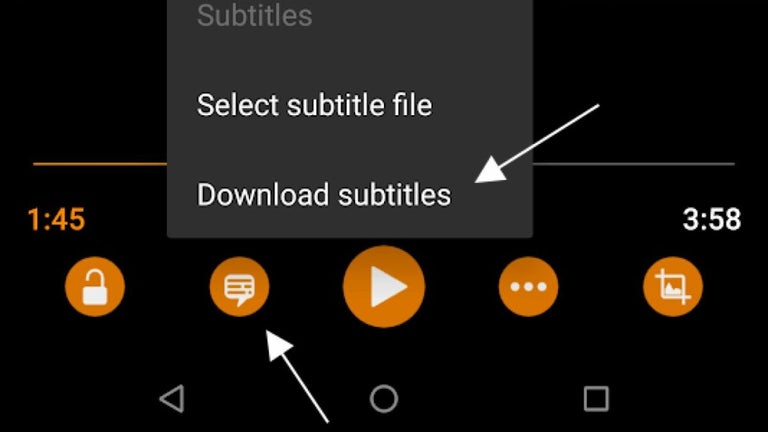
VLC offers one of the most complete feature sets for video playback, including precise subtitle synchronization and extensive subtitle support. It accommodates formats such as MicroDVD, SubRIP, and Kate, as well as closed captions. These options ensure that subtitles display accurately and consistently, enhancing the viewing experience for films, series, and international media.
Customization that fits every user
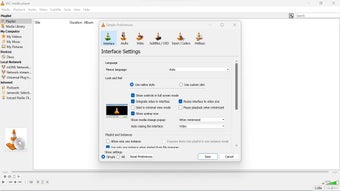
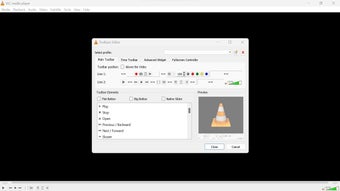
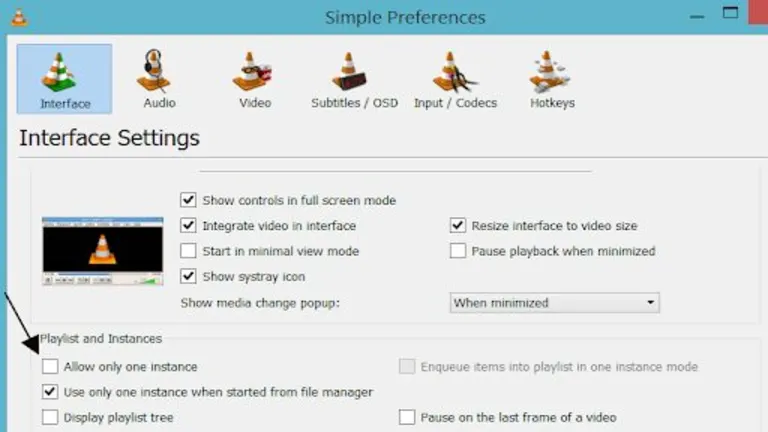
Customization is another key strength of VLC. Users can change the look of the player with skins or even create their own using the VLC skin editor. Extensions can also be installed to expand functionality, allowing the software to adapt to different needs. Combined with its straightforward design, these options provide a flexible and personalized media environment.
Privacy and security at the core
VLC is built with user trust in mind. It operates without spyware, ads, and user tracking, offering a clean and private experience. The emphasis on transparency and reliability has made it a favored choice among users who want secure and uninterrupted playback without intrusive elements.
Reliability with a few caveats
VLC’s strength lies in its vast support for formats, devices, and streaming protocols, making it one of the most complete multimedia players available. It brings together advanced features such as hardware decoding, network streaming, and subtitle synchronization, all while maintaining an open-source foundation. Some users, however, have noted that playback can occasionally suffer from lags or stutters.
A powerhouse of versatility
VLC Media Player stands as a powerhouse in multimedia playback, combining broad format support, customization, and privacy-focused design. Despite occasional lags noted by some users, its adaptability across platforms ensures lasting relevance. From movies and music to streams and subtitles, VLC continues to deliver a seamless experience that resonates with both everyday users and media enthusiasts.
What People Are Saying
- The Good
People consistently point to how well it handles almost any video or audio format without hunting for extra codecs, and many say it's stayed a reliable, trustworthy free option with no ads or paid tier attached.
- The Bad
The newer next generation interface draws pushback for feeling more touch oriented and missing some seek and preview features long time users expect.
- The Bottom Line
A dependable everyday player if you stick with the standard version, though the newer redesign may feel like a step back for some.