
Free cross-platform multimedia player
VLC for iOS is a free multimedia player that lets you play music and video content. You can download this handy program for Mac, Microsoft Windows PC, iOS, and Android devices. While the user interface is straightforward, the platform has dynamic benefits that let you customize your viewing experience.
As an open-source cross-platform multimedia player, it plays most multimedia files as well as various streaming protocols. Safe, powerful, and completely free, the app can play a range of media, including video and music files, in multiple formats directly on your device of choice.
What is VLC for iOS used for?
VLC for iOS is used for playing multimedia content. You can get the music and video player on multiple devices, like a computer, laptop, and phone. The basic interface makes VLC user-friendly and allows for the visuals to be the focus. You can watch TV series episodes, movies, music videos, and more in the app.
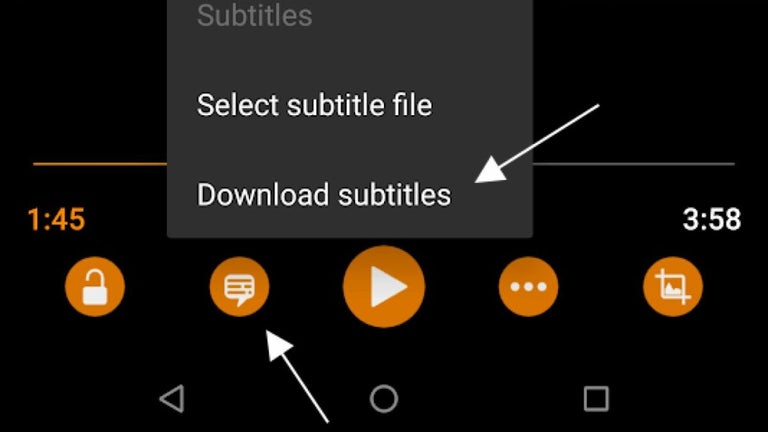
The software plays a myriad of file formats, like MKV. Subtitle support is included to enable you to read along on the screen. VLC is compatible with network streams like HLS, MMS, and RTSP.
A ‘Media Library’ section in the menu lets you choose media files from ‘All Files’, ‘Music Albums’, and ‘TV Shows’. It shows you a list that is accompanied by visuals for each item to make the user experience engaging. You can click on an image in the list to launch your content. In case you tap a video, then the animations automatically start.
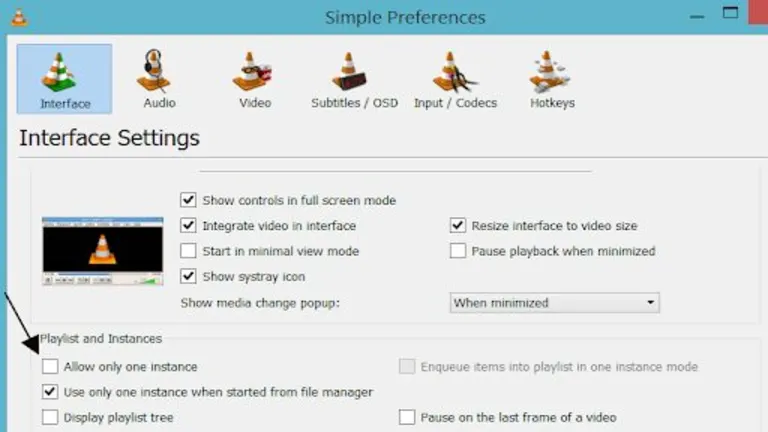
A ‘Network’ segment has ‘Local Network’, ‘Network Stream’, and ‘Sharing via WiFi’ options. The ‘Download’ and ‘Cloud Services’ choices let you explore the multimedia files that you have saved. The app lets you sync your cloud storage drives to retrieve media, like Box, Dropbox, Google Drive, iCloud, and OneDrive. A ‘Settings’ area is available in the main menu to give you additional preferences to customize.
The user-friendly user experience
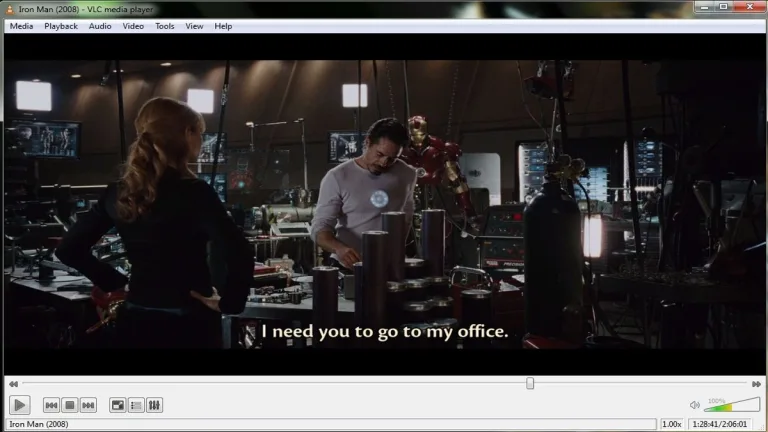
VLC delivers a video playback menu with standard features, like rewind, forward, pause, and play. The timeline appears at the top of your device with the current time. The timestamp begins at zero to continue forward, chronologically. You can drag and drop the lever on the line to adjust your time placement.
A full-screen button is beside the timeline to expand and contract the content on your screen. It offers more advanced services that enable you to edit the appearance of the videos directly in the app. The editor has ‘Brightness’, ‘Contrast’, ‘Gamma’, ‘Hue’, and ‘Saturation’ features that you can adjust by dragging and dropping the levers along the lines.
The edits that you make to the visuals appear on the screen in real time to give you instant control of your experience. The built-in equalizer is another feature it offers.
Is VLC for iOS a virus?
Since programmers can alter the VLC Player app, a trusted download source is important, to make sure that you do not get malefic content on your device. The official app is safe to get.
Is VLC download free and is it free to use?
VLC is free to download and install. Only a free download is available, although you can donate to the developers in case you want to support the development of the project by VideoLAN. The multimedia program delivers the entire suite of features for free.
Is VLC safe?
The VLC player is an open-source project, which enables you to look into the source code to make sure that the program is safe for you. The open-source nature allows you to modify the code to change the platform to your personal preferences.
Bring your tunes on the road
Through the latest update on the app’s iOS version, it can now be used in cars through Apple CarPlay. Previously inaccessible via direct use, the new update integrates the VLC player with CarPlay, making it possible for users to bring their favorite media on the go. Now, the whole suite of features can be accessed through your car’s interface, allowing you to stream local or online music, create playlists, and more. However, do note that this update is only available for a specific platform version of the app.
What’s next?
While details are still under wraps, VLC 4.0 is shaping up to be an industry game-changer. A web version for browser-based playback of various media formats is in the works, alongside a possible dive into the world of free, ad-supported streaming channels (FAST) right within the interface. These ambitious upgrades hint at a more comprehensive media experience, potentially rivaling streaming giants and other media hubs. Furthermore, a version designed for Apple’s Vision Pro headset is under development.
Trustworthy music and video player
VLC for iOS is a convenient, cross-platform software that lets you tune into your multimedia content to play music, music videos, movies, TV episodes, and more. The freeware syncs with your cloud services to access your saved media files. It supports many file formats on each version of the application.























User reviews about VLC for iOS
by Anonymous
does not read the AVI soundtracks.
My major issue is that for AVI sources teh sound is scrambled, whereas for MP4 it's perfect. So I use the old VLC which hangs quite often for AVI: not ideal.
Pros:
nice interface
easy to use
Cons:
soundtrack for AVI More
by Anonymous
cannot locate the VLC documents(iOS 4.3.4) on my Mac.
Hi I am trying to free some space on my iPhone, and want to erase all the attached email files that I opened with VLC media player 1.1.0.
They are under a folder named Inbox, which I cannot erase...
Can any one help here?
Otherwise the app is working perfectly both on my iPhone 3GS and iPad2! Pros:
opens every video file I tried so far!
Cons:
cannot erase attached email files that are opened with VLC media player 1.1.0. (under folder Inbox)
More